
Speak Coach
Practise English speaking for IELTS, TOEIC and real conversations. Record an answer, get a band estimate with notes on fluency, vocabulary, grammar and pronunciation, then try again.
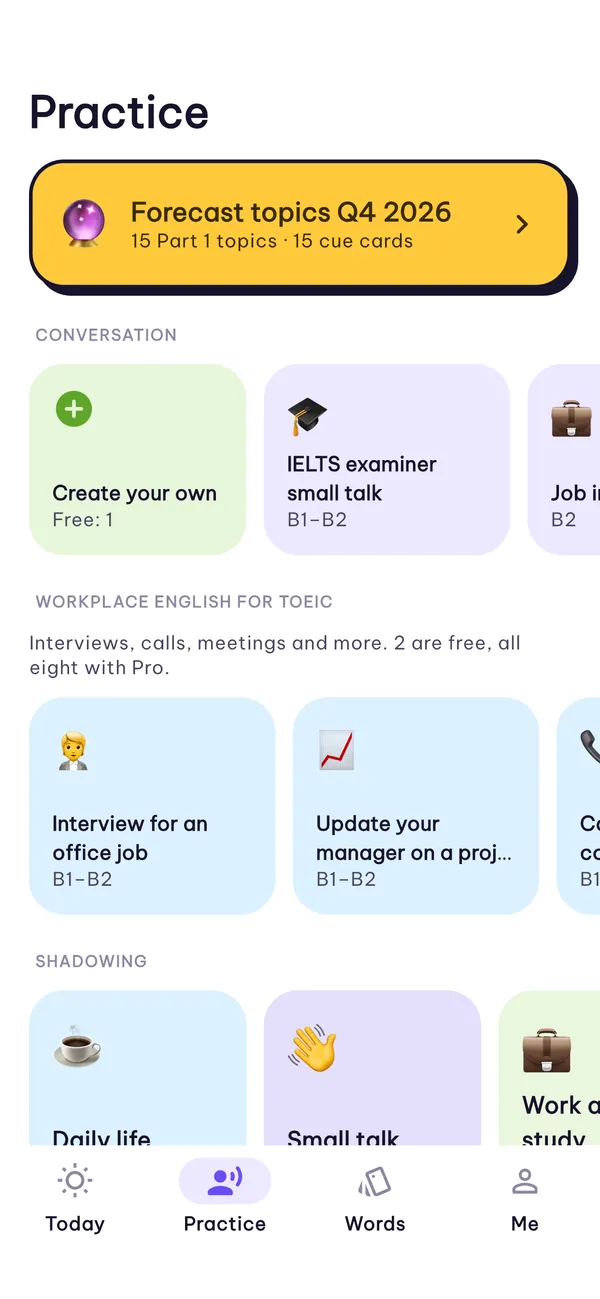
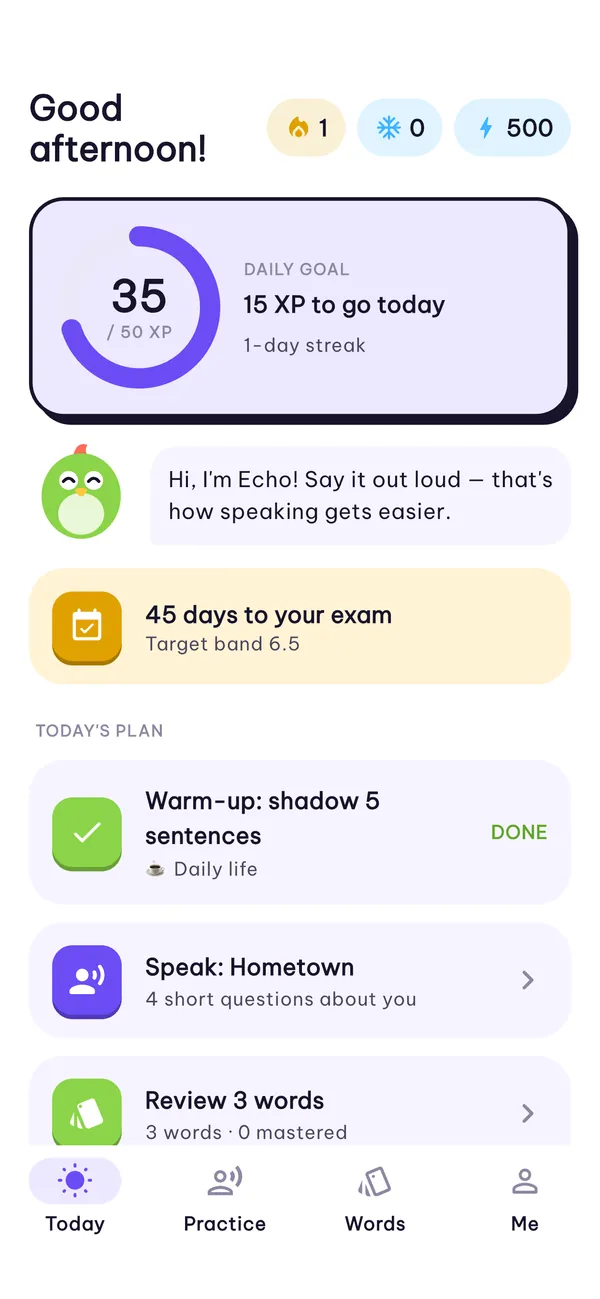
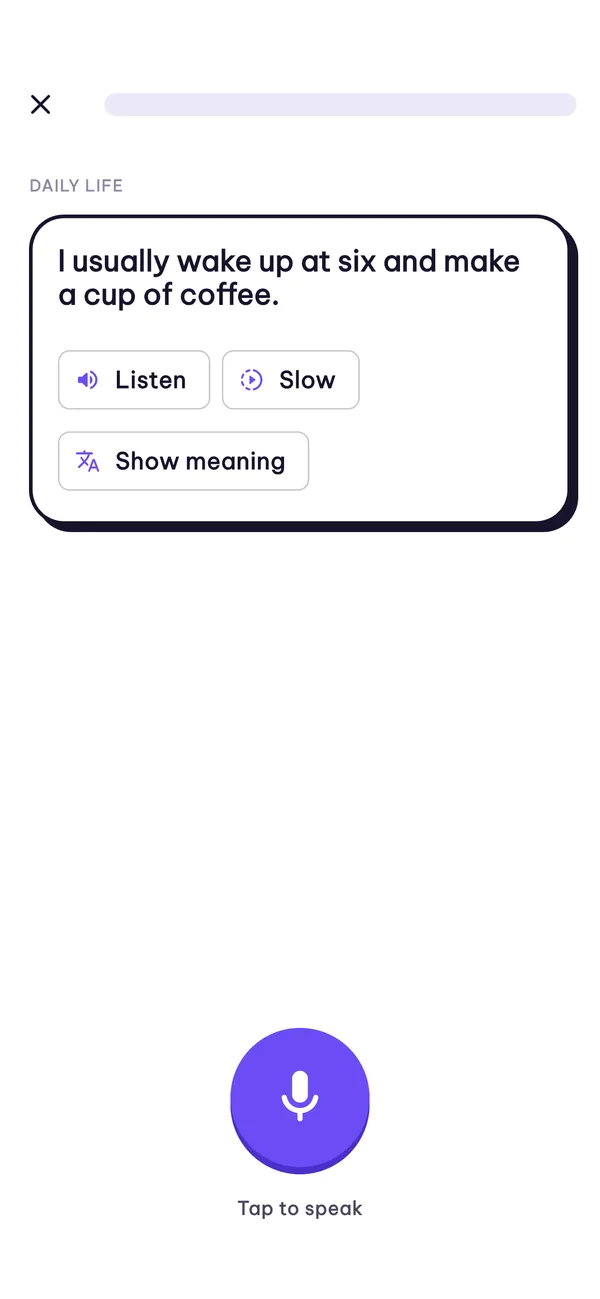
Speak out loud, see your band, try again
Real exam tasks, on a timer
IELTS Speaking Parts 1–3 and TOEIC Speaking tasks with timed prompts.
Practice that feels like talking
Role-plays, a daily call, interview practice and shadowing.
Your voice stays with you
Works offline with the on-device engine; cloud grading only when you choose it.
One answer at a time
Every practice round follows the same short loop.
Record an answer
Pick a prompt, read the cue and answer out loud before the timer runs out.
Get a band estimate
See notes on fluency, vocabulary, grammar and pronunciation.
Try again
Answer the same prompt again and watch the notes change.
Everything you practise in one place
Exam tasks, everyday conversation and the words that go with them.
IELTS Speaking
Parts 1–3 with timed prompts and cue cards.
TOEIC Speaking
Workplace English: interviews, calls and meetings.
Role-plays
Small talk and everyday situations, or create your own.
A daily call
A short conversation each day to keep you speaking.
Interview practice
Prepare with your own stories and the job description.
Shadowing
Listen, slow it down, then say the sentence yourself.
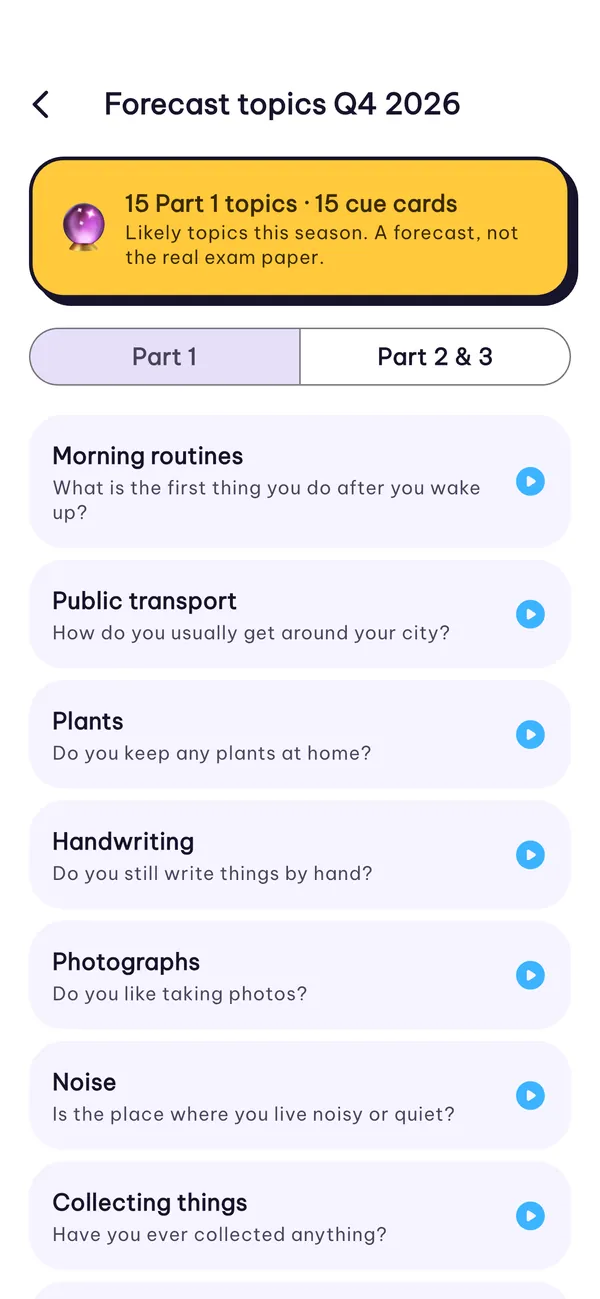
Forecast topics
Topics likely this season, with an exam countdown and target band.
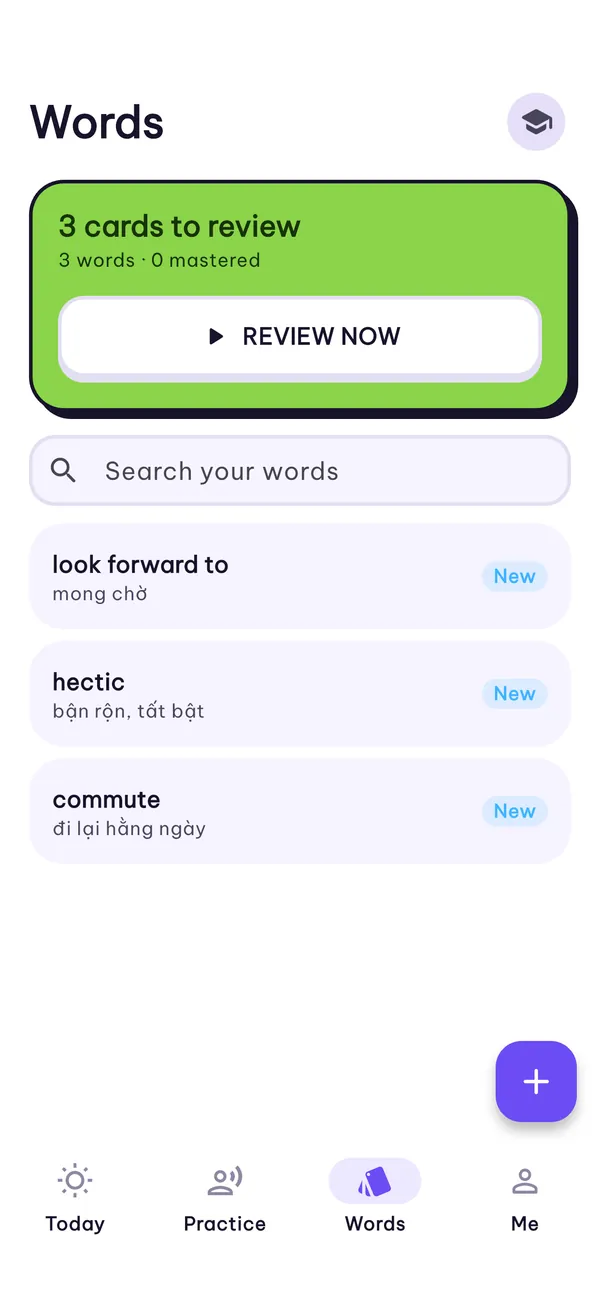
Word review
Save words from your answers and review them as cards.
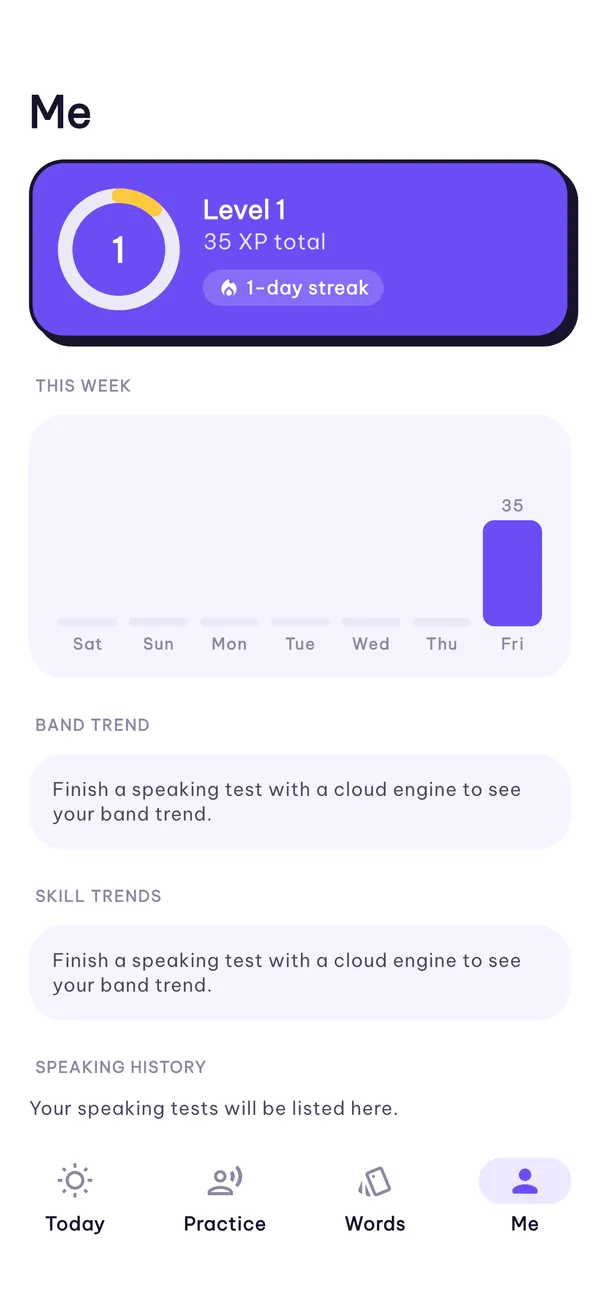
Progress you can see
A daily goal, streaks, and your band and skill trends.
Inside the app
Four tabs: Today, Practice, Words and Me.
Speak every day
Pick a conversation, a workplace task or a shadowing set from the Practice tab.
- Role-plays, a daily call and interview practice
- TOEIC workplace English for interviews, calls and meetings
- Shadowing with normal and slow playback
Get ready for exam day
Work through this season's likely topics and keep the words you need.
- IELTS Part 1 and Part 2 & 3 forecast topics
- Word cards with meanings, ready to review
- Search every word you have saved
See how far you have come
Today shows your plan for the day; Me shows the bigger picture.
- Daily XP goal, streak and exam countdown
- Band and skill trends after each speaking test
- Your speaking history, kept on your phone
Your recordings stay on your phone
There is no account and no analytics. You choose how your answers are graded. The free Android app shows Google AdMob ads; Pro removes them.
On-device engine
Grades on your phone
- Works offline
- Your voice does not leave your phone
- Answers, scores and progress are stored on the device
Speak Coach AI
Cloud grading, only when you choose it
- Each answer you submit is sent for grading
- Only after you agree to the in-app disclosure
- Switch back to the on-device engine at any time
Questions, answered
Something else? Email fighttech.vn@gmail.com.
How do I restore Speak Coach Pro on a new iPhone?
Sign in with the same Apple ID, open Me › Restore purchases, or tap Restore purchases on the Pro screen.
How do I cancel my subscription?
Open Settings › your name › Subscriptions on your iPhone, or tap Manage subscriptions on the Pro screen. Cancel at least 24 hours before the period ends to avoid the next charge.
Does my voice leave my phone?
Not with the on-device engine. With Speak Coach AI, each answer you submit is sent for grading after you agree to the in-app disclosure. See the privacy policy for details.
Are the scores official IELTS or TOEIC scores?
No. Speak Coach estimates a band from public descriptors to guide your practice. It is not affiliated with or endorsed by IELTS, the British Council, IDP, Cambridge or ETS.
Ready to say it out loud?
Speak Coach for iPhone and Android.